Describe complex layouts in longer prompts
Qwen Image 3.0 accepts up to 4.5K input tokens, giving you room to define panels, formulas, diagrams, captions, illustrations, and the relationships between them in one prompt.
Turn a detailed brief into more than a beautiful picture. Qwen Image 3.0 follows long, structured prompts to arrange readable text, complex layouts, multilingual typography, and fine visual detail in infographics, storyboards, interfaces, and edited visuals.
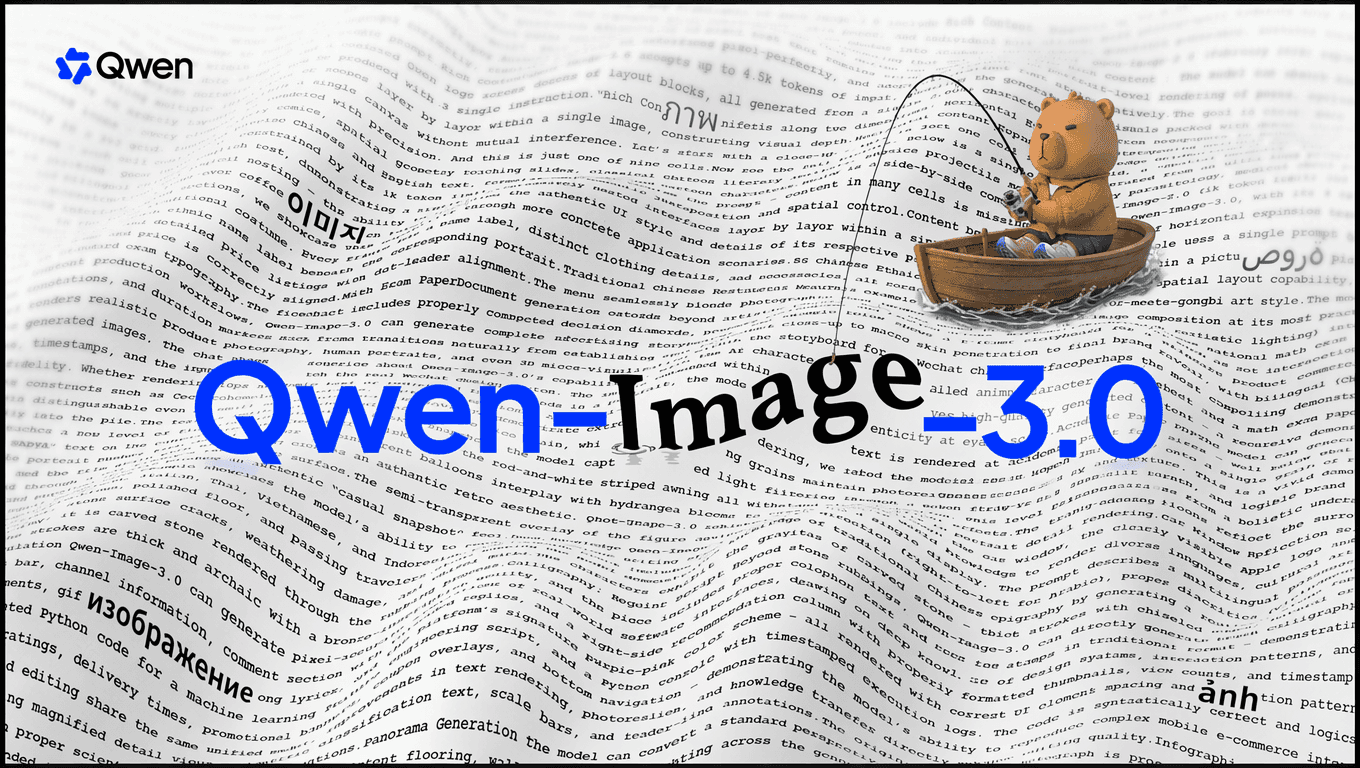
Built for information-rich visuals
Qwen Image 3.0 is the third-generation foundation model in the Qwen-Image series. It turns detailed instructions into structured, information-rich visuals.
It brings readable content, organized layouts, and fine visual detail together for storyboards, teaching materials, academic figures, interfaces, and other complex visual work.

See how Qwen Image 3.0 handles text-rich layouts, detailed scenes, multilingual graphics, and a wide range of visual styles.
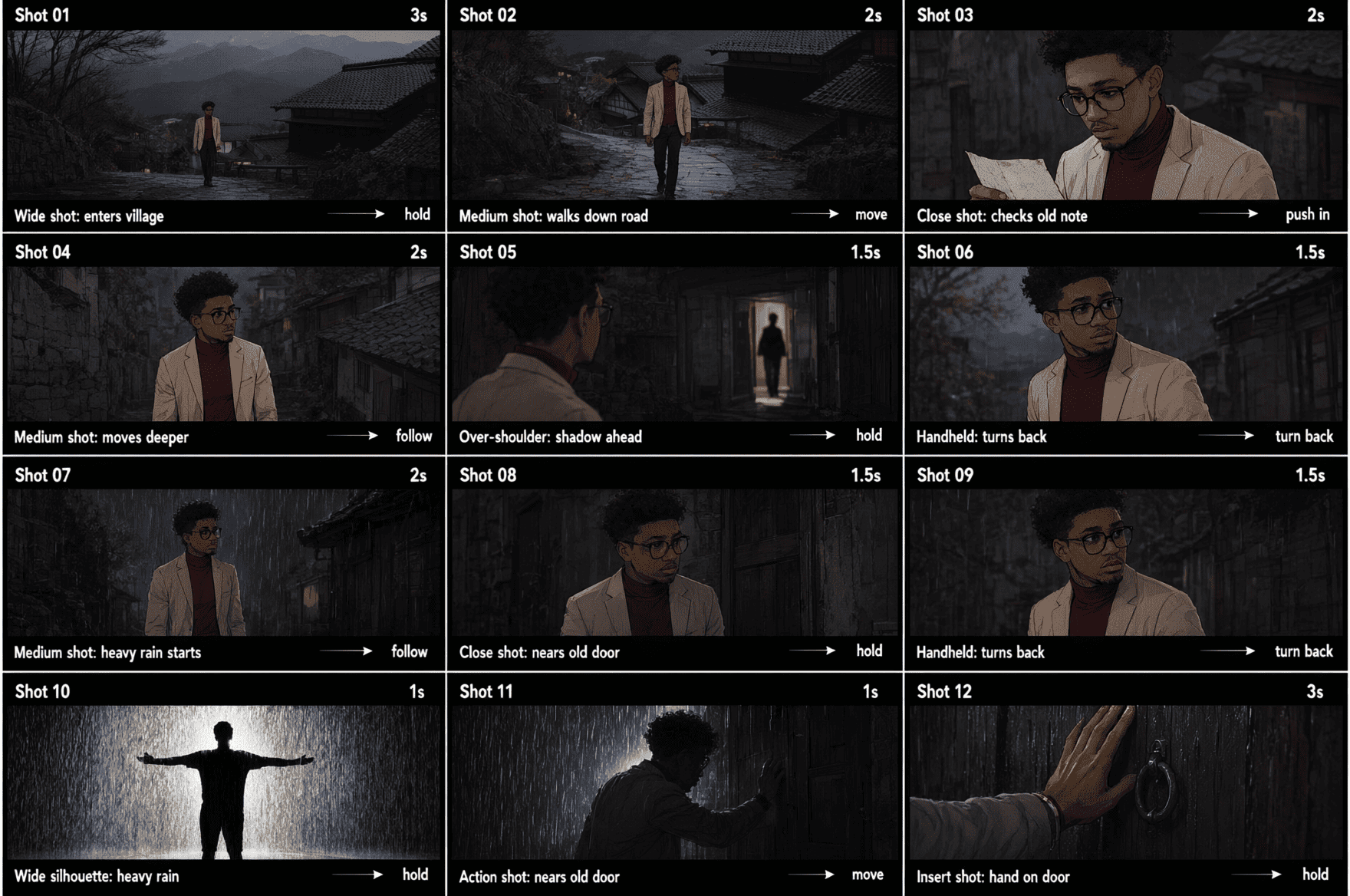

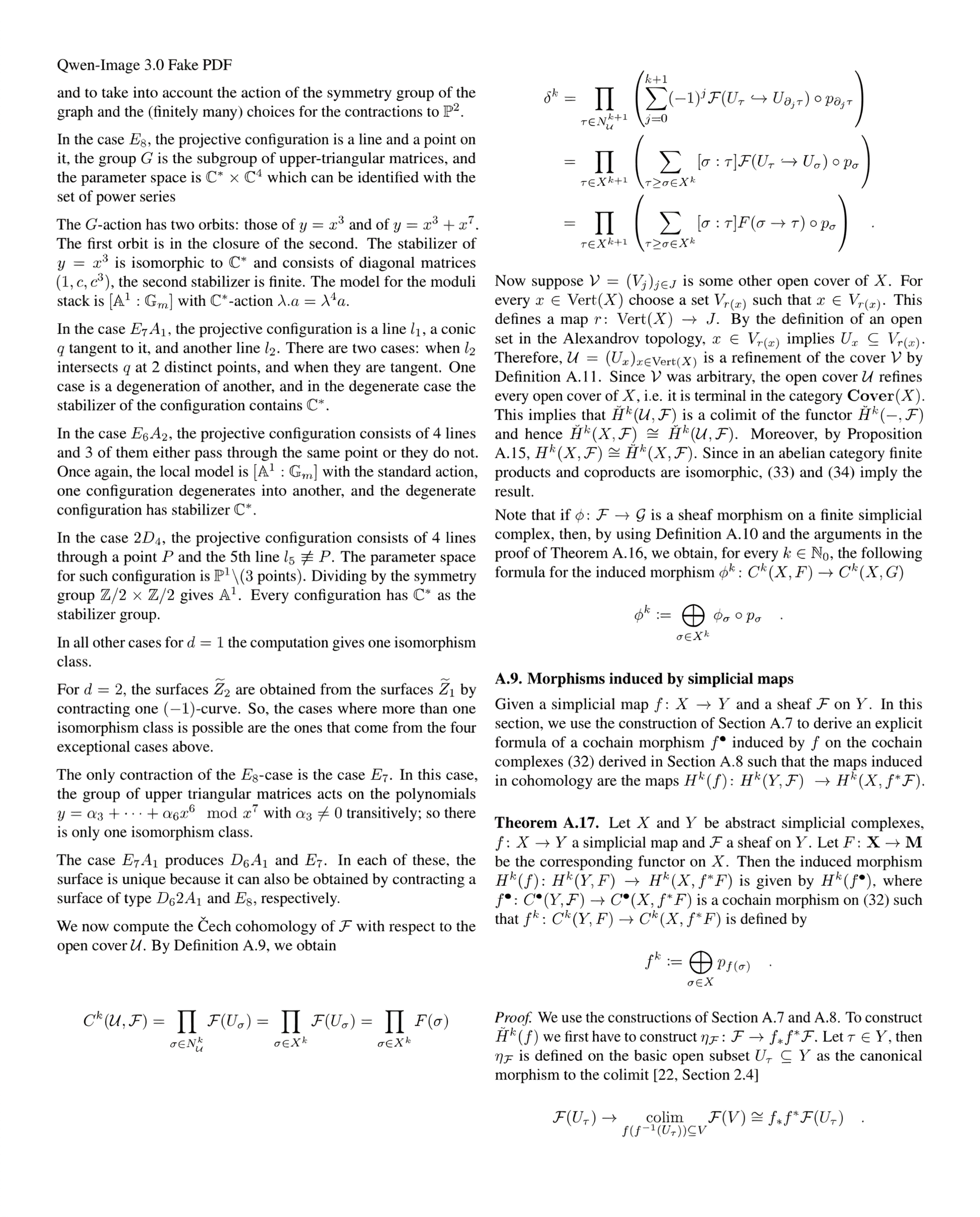
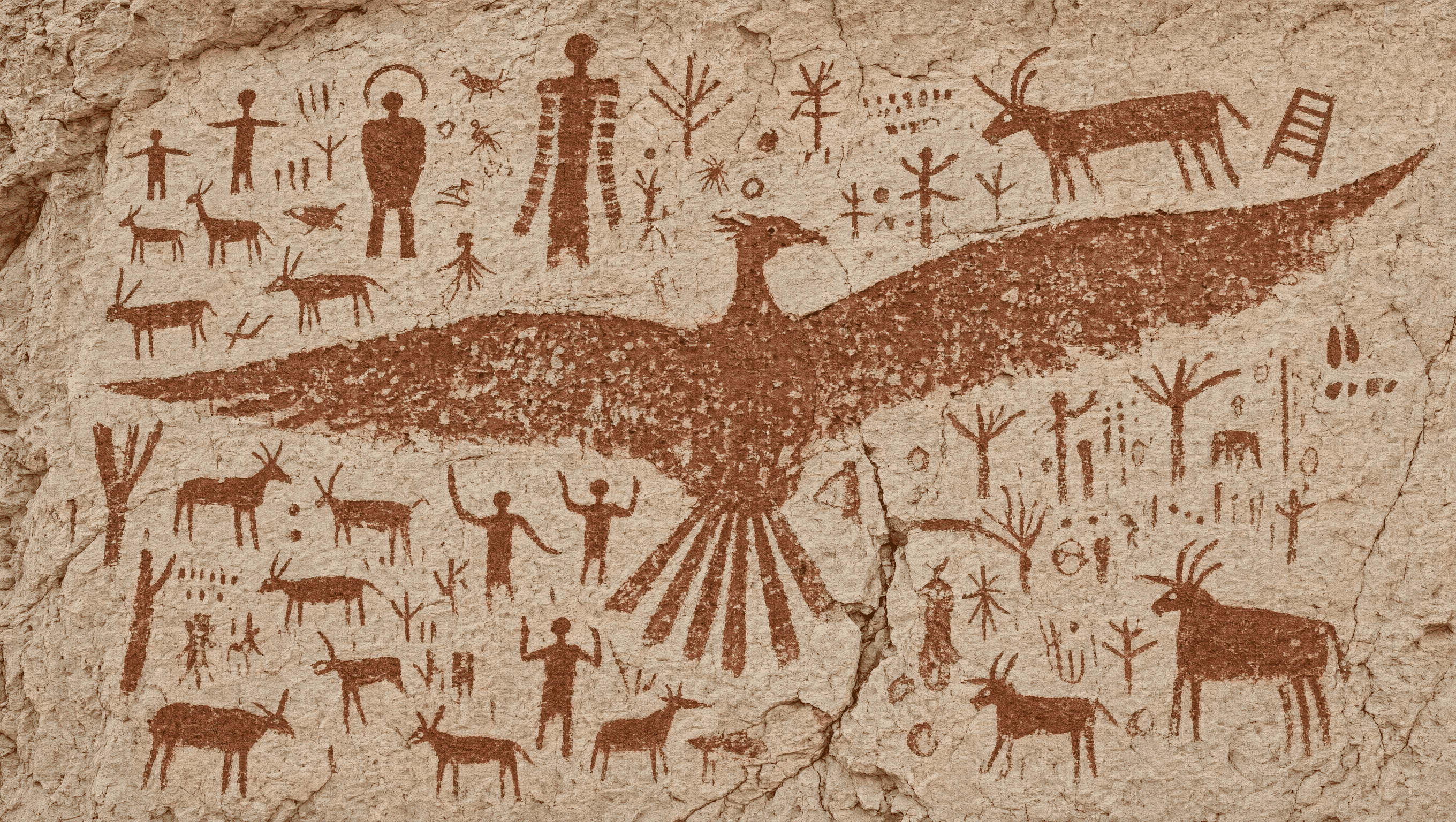
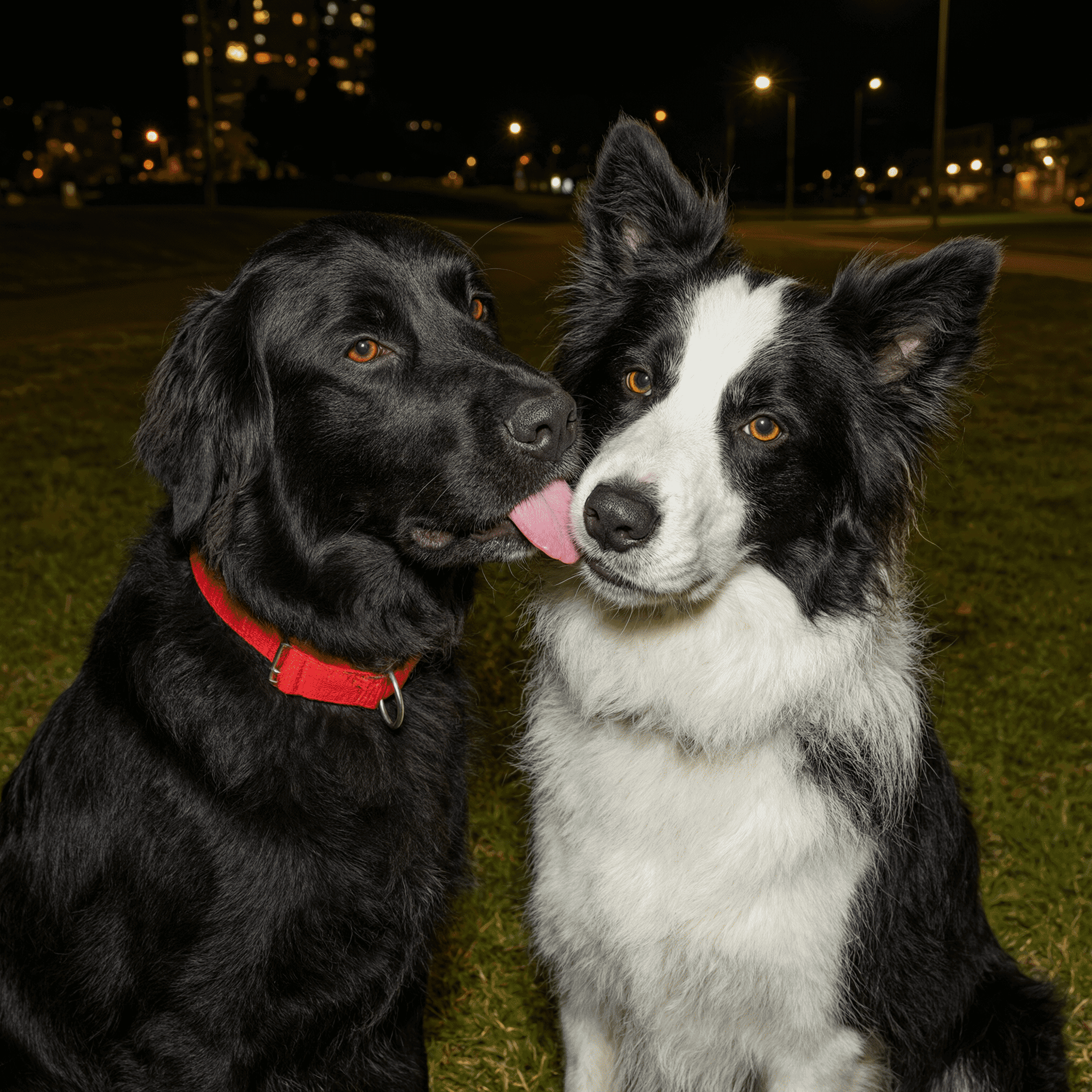
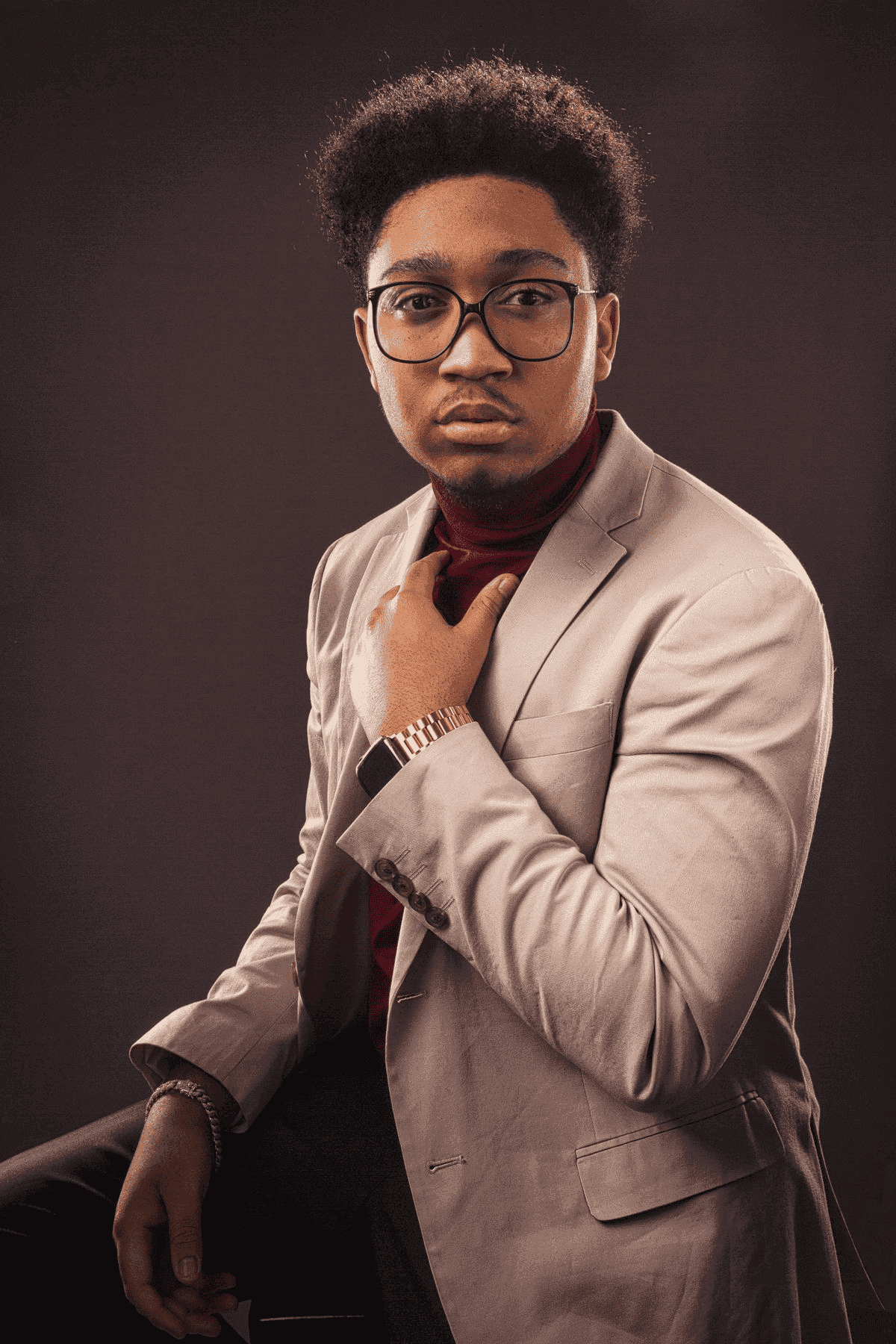

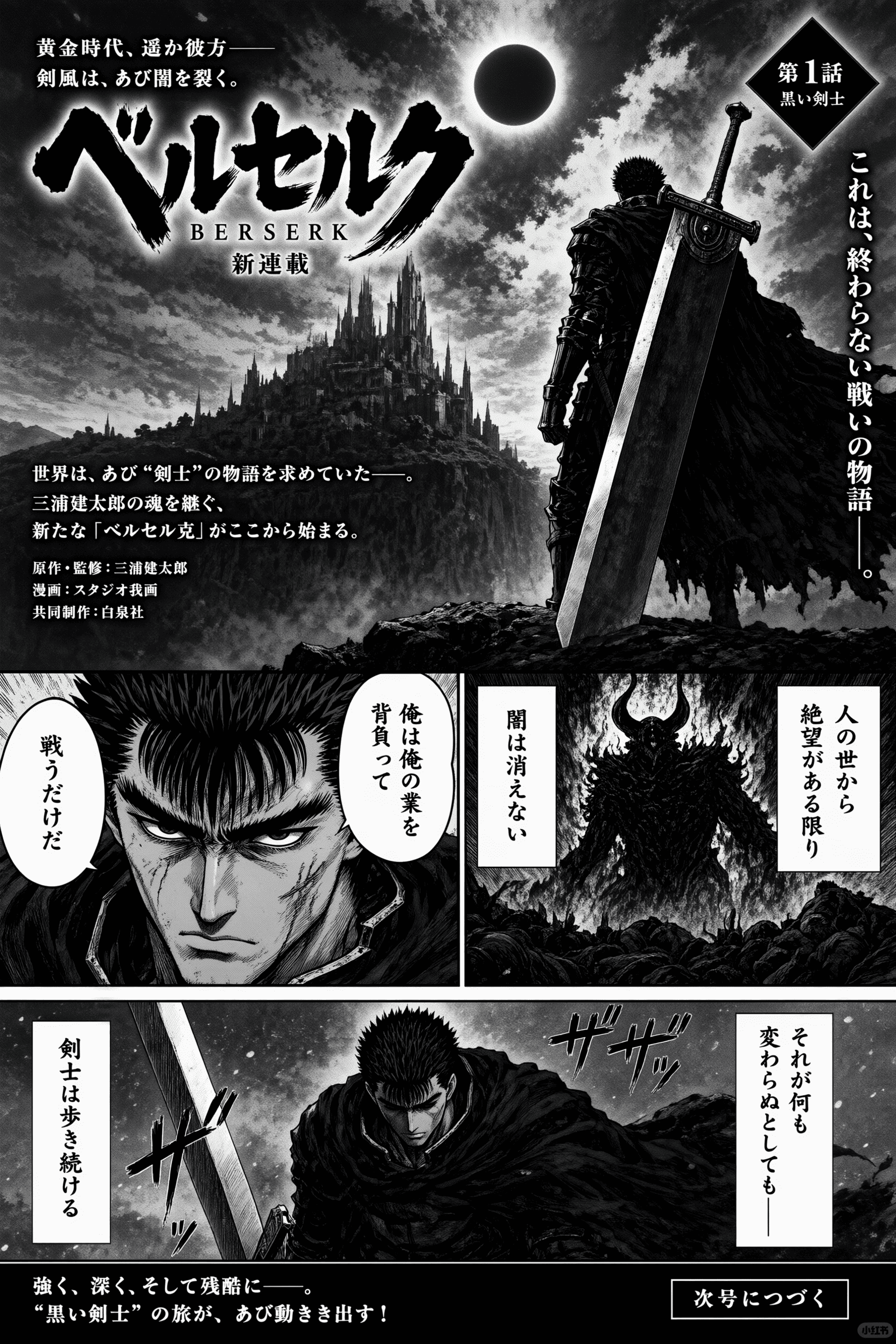
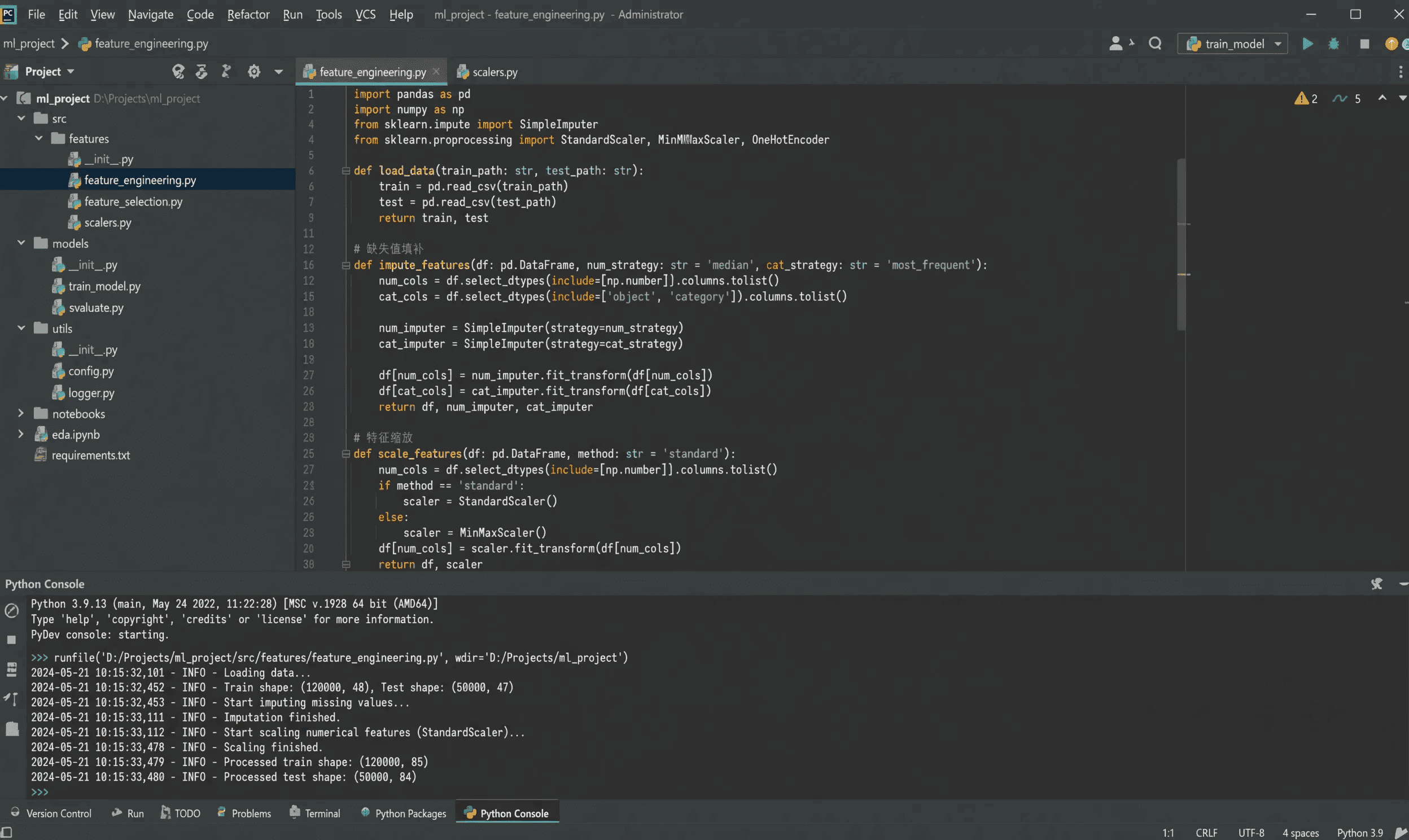
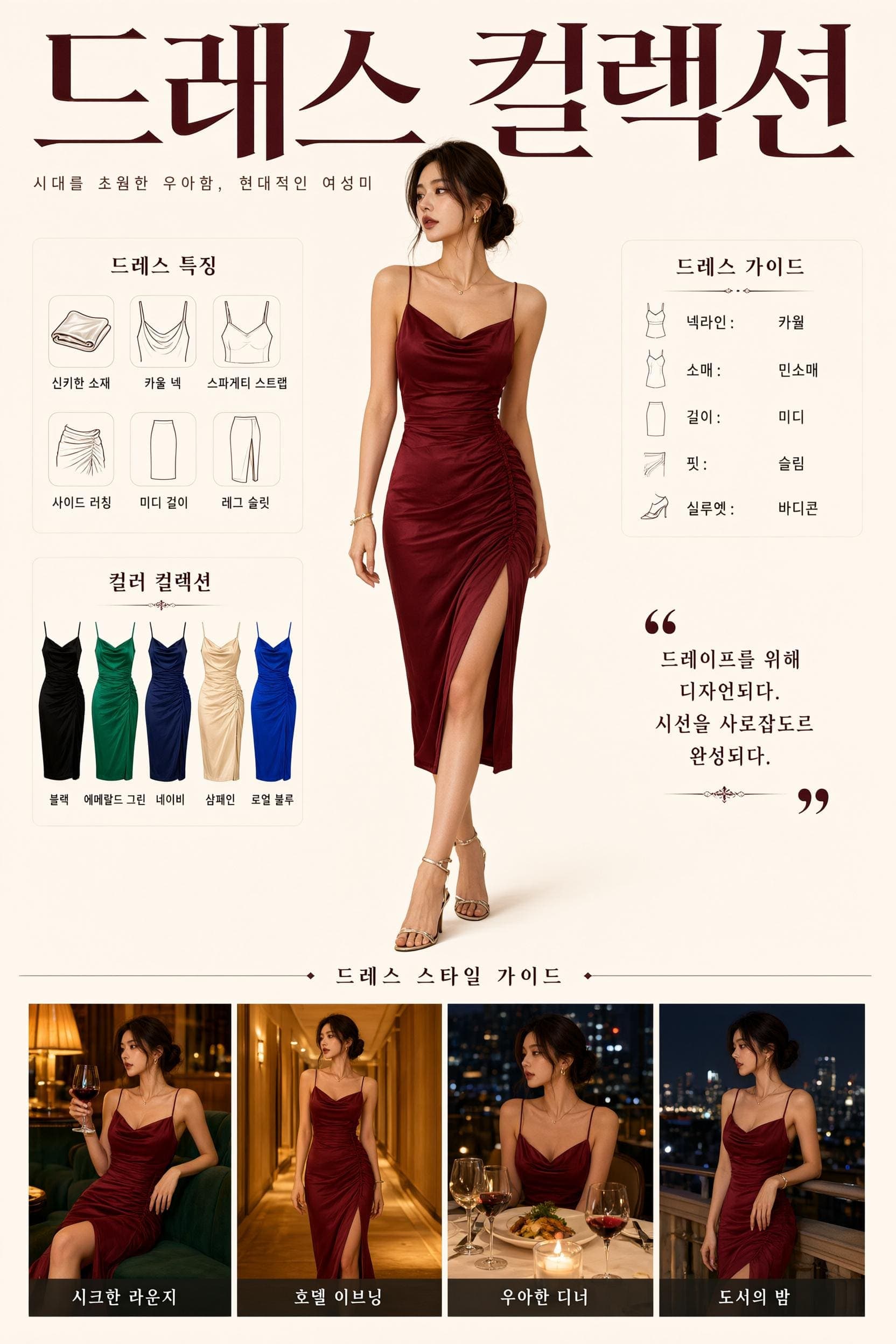
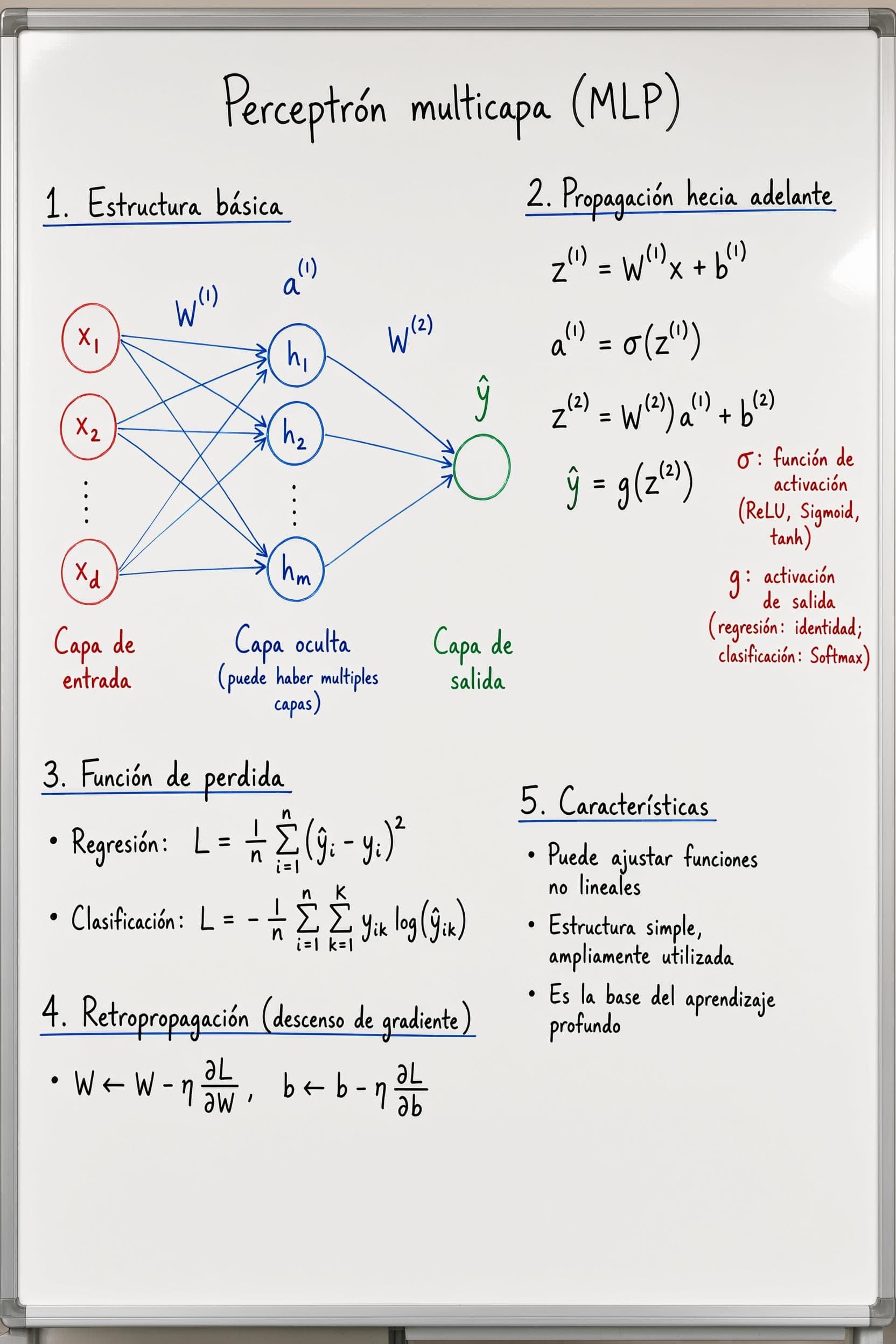
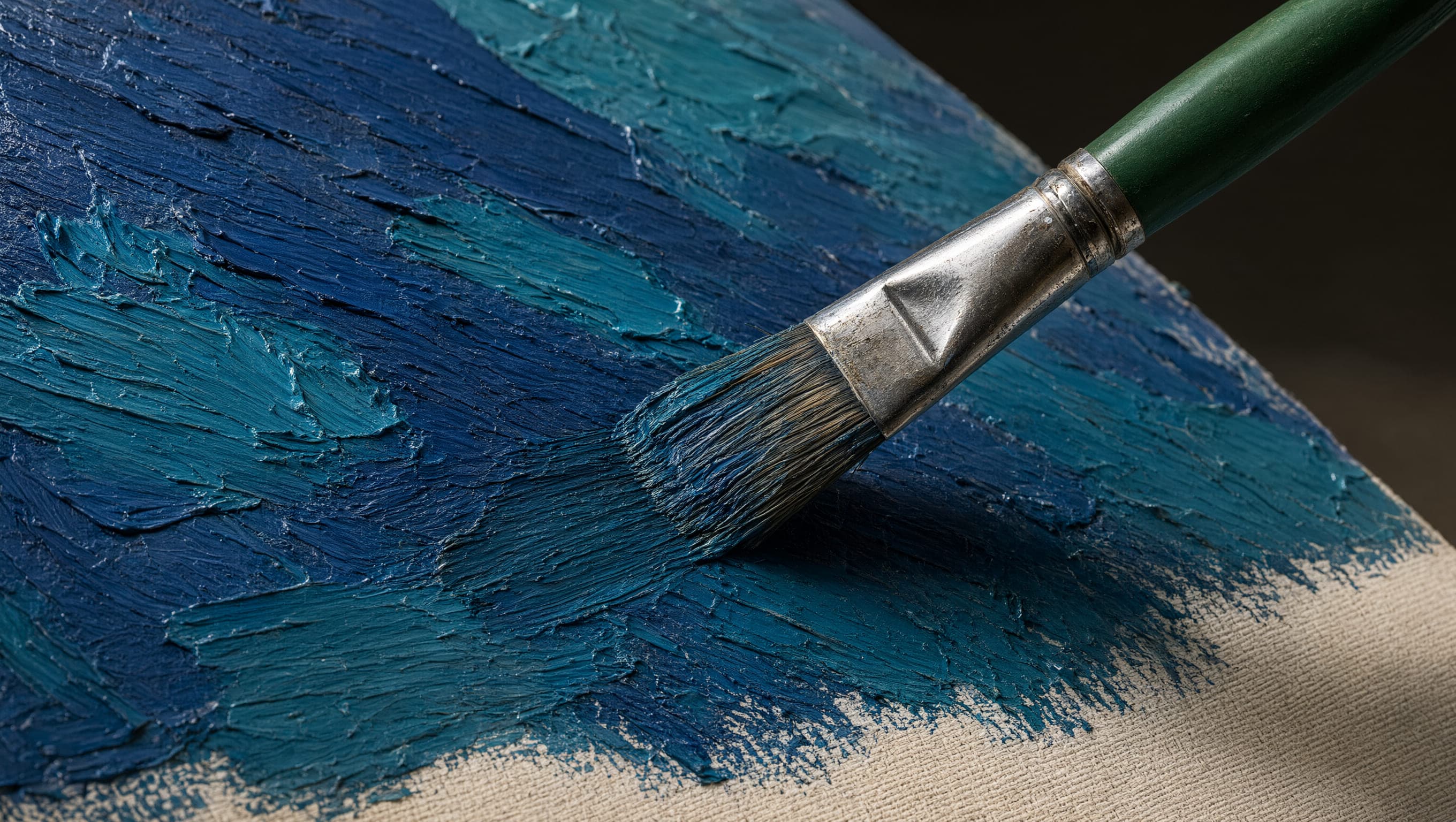
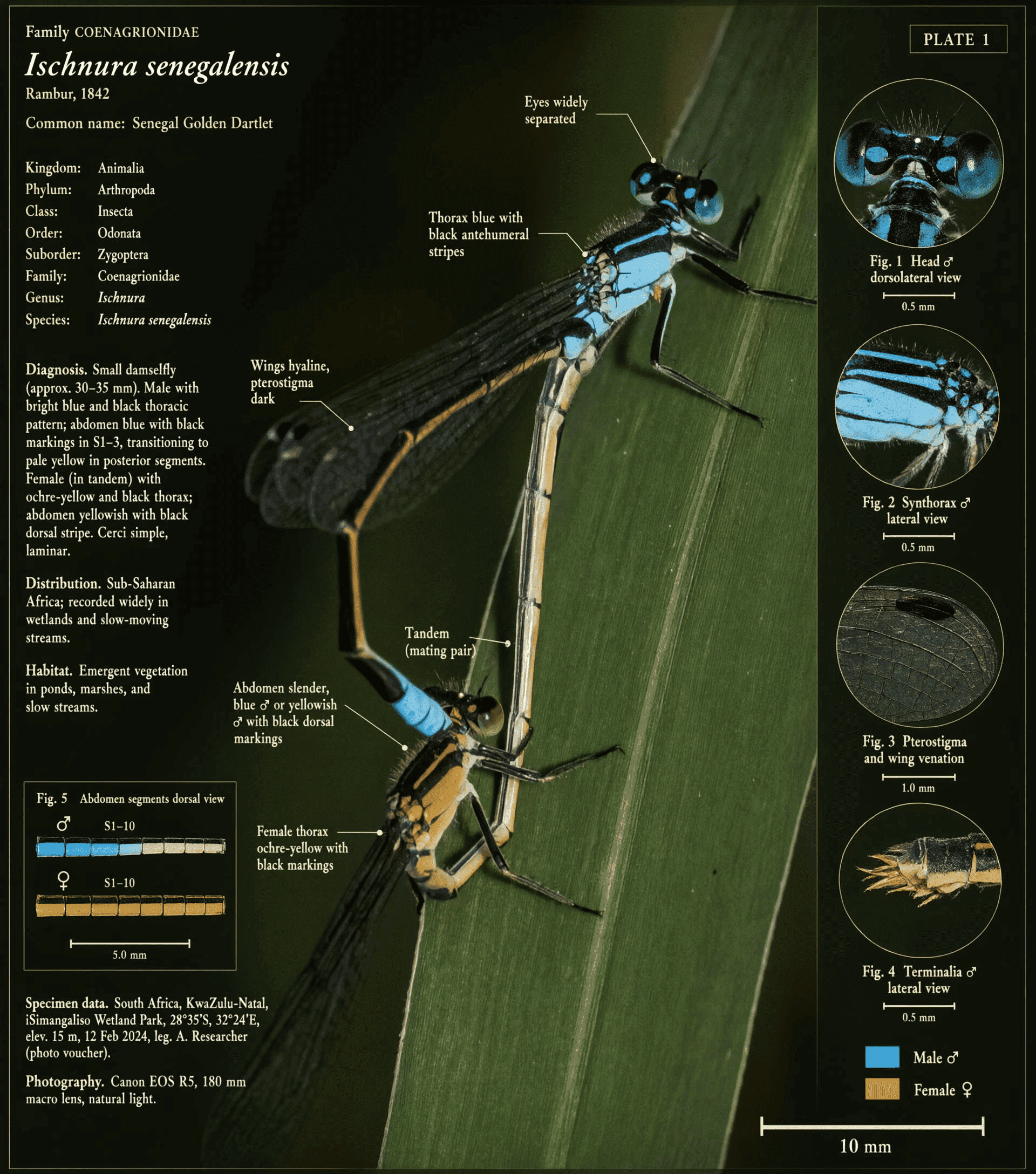
Qwen Image 3.0 is built for briefs that need more room, small text that must stay readable, and visuals that depend on structured layouts and broad subject knowledge.
Qwen Image 3.0 accepts up to 4.5K input tokens, giving you room to define panels, formulas, diagrams, captions, illustrations, and the relationships between them in one prompt.
Render text as small as about 10px alongside LaTeX notation and handwritten annotations, while preserving fine details in skin, hair, paper, and brushwork.
Create text-rich posters, interfaces, and diagrams with native rendering across 12 languages and more than 100 artistic styles.
Generate new visuals or edit existing images with annotations, restoration, structured infographics, and interface-style layouts.
Plan the visual, describe its content and structure clearly, then inspect every important detail before you publish.
Choose the format, audience, layout, and purpose before you write the prompt.
Describe the title, sections, panels, labels, positions, exact copy, colors, and visual style in one structured prompt.
Inspect the text, numbers, formulas, labels, layout, and factual details at full size. Refine anything that needs correction before publishing.
Use Qwen Image 3.0 when readable text, organized layouts, and fine visual detail need to work together.
Create layered UI mockups for websites, games, livestream rooms, and nested interface concepts.
Build infographics, exam materials, lesson slides, and diagrams that make dense subjects easier to follow.
Draft newspapers, storyboards, knowledge posters, and multilingual layouts with readable captions, labels, and columns.
Explore product visuals that combine imagery with labels, comparisons, or interface-style layouts.
Add annotations or reconstruct missing areas while preserving the source image's look. Check every edit at full size.
Compare the documented focus of Qwen Image 3.0 and Qwen Image 2.0 without turning release language into an unsupported ranking.
| Comparison area | Qwen Image 3.0 | Qwen Image 2.0 |
|---|---|---|
| Release focus | Rich content, authentic details, and deep knowledge | Precision, variety, completeness, beauty, and authenticity |
| Prompt capacity | Up to 4.5K input tokens | Up to 1K-token instructions |
| Highlighted examples | Newspapers, storyboards, exam papers, complex UI, and academic figures | Professional infographics, posters, comics, photorealistic scenes, and image editing |
| Direct comparison | No like-for-like 3.0 vs 2.0 benchmark table is published | Compare both versions with the same prompt and review the output |
These are differences in documented focus, not proof that one version is better for every task. Test both with the same prompt, then compare text accuracy, layout, detail, and editing consistency.
Choose Qwen Image 3.0 for visual work that depends on readable words, clear layout, fine detail, and subject knowledge.
Use the 4.5K-token input limit to define panels, hierarchy, labels, and nested elements together.
Create readable text for formulas, newspapers, captions, annotations, and multilingual layouts.
Evaluate outputs in familiar formats such as storyboards, teaching graphics, interfaces, and research-style figures.
Find clear answers about Qwen Image 3.0 capabilities, access, prompt length, languages, editing, and benchmarks.
Turn a real project brief into a detailed Qwen Image 3.0 prompt, then check the result against your layout, text, and visual goals.